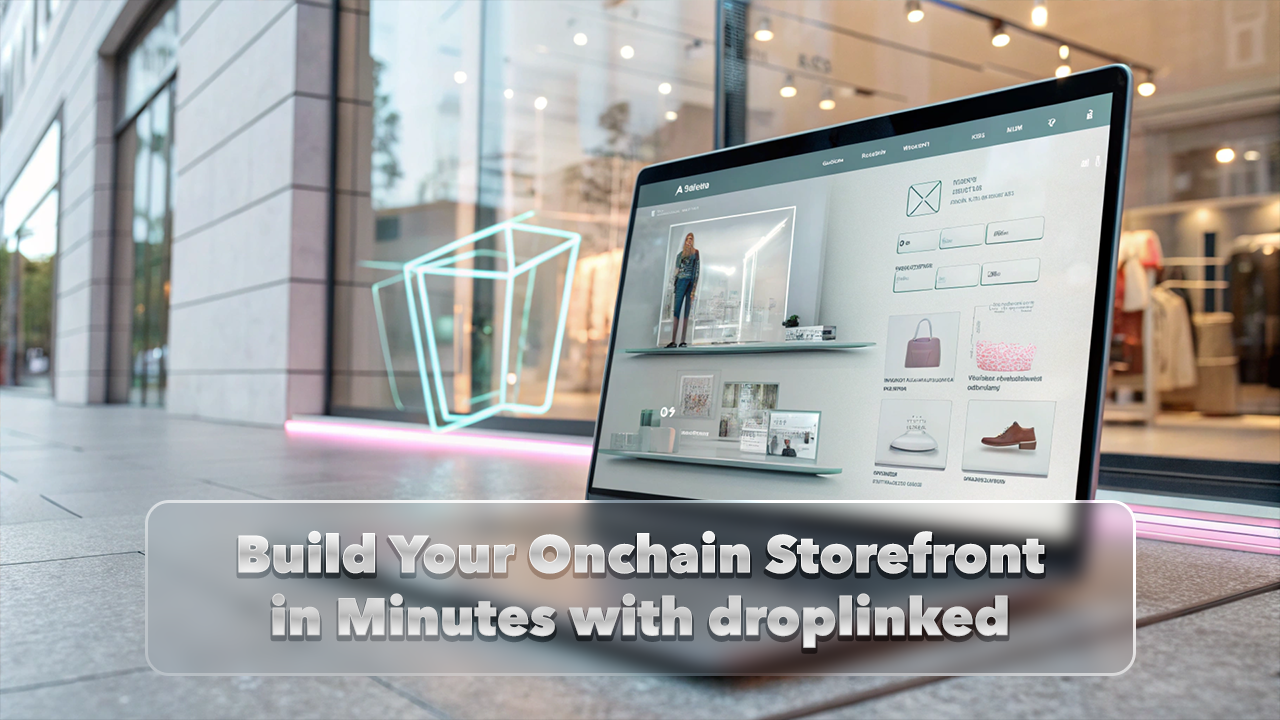
droplinked’s no-code Storefront Designer makes it simple for creators and businesses to quickly build beautiful, responsive onchain stores without coding. Customize your storefront effortlessly and publish instantly—complete with hosting and a custom URL.
Key Features
- Customizable Themes & Layouts: Easily choose and personalize themes, headers, hero sections, footers, colors, and fonts to reflect your unique brand.
- Simple Branding: Effortlessly upload your logos and images, and arrange store sections intuitively with drag-and-drop controls.
- Built for Web3: Designed specifically for seamless onchain commerce, offering integrated token gating and wallet support to enhance your store's functionality.
How to Use the Storefront Designer
Step 1: Navigate to Style Center Go to the Style Center within your droplinked dashboard to access the Storefront Designer.

Step 2: Customize Your Storefront Use the intuitive designer to edit and preview your store live. Here are the key sections you can customize:
- Theme:

- Header:

- Hero Section:

- Store Details:

- Footer:

- Additional Details:

Who It’s For
Ideal for creators, startups, and small businesses looking for a quick, professional, no-code storefront. Also beneficial for larger enterprises for prototyping and maintaining consistent branding across multiple storefronts.
Get Started Now
Ready to launch your professional onchain storefront today?
Category
Use Case Blog
Published
May 20, 2025
Share
In this article
Key Features
How to Use the Storefront Designer
Who It’s For
Get Started Now
Tags